Google Business Profile Photos 2025: A Complete Guide to On-Page Local SEO Optimization
Your Google Business Profile photos can win—or lose—local clicks. Here’s how to style, size, and clean them with AI for a sharp, consistent look in 2025.
 Richard SullivanMay 11, 2025
Google Business Profile Photos 2025: A Complete Guide to On-Page Local SEO Optimization
Your Google Business Profile photos are often the first “storefront” a local customer sees on Search and Maps. If those images are dim, outdated, or cluttered, they depress clicks, calls, and direction requests—even when your reviews are stellar. In 2025, Google’s local pack is mobile-first and visually driven. Freshness and authenticity signals from your gallery increasingly influence engagement, so your visuals need the same discipline as your on-page SEO.
The good news: you don’t need a full design team to fix inconsistent lighting, messy backgrounds, or off-brand colors. With simple guidelines and an AI-first workflow, you can clean up and standardize your google business profile photos in minutes. Tools like Pixflux.AI make it easy to optimize GBP photos at scale while preserving a natural, local feel.
This guide covers what to upload, practical image specs, how to design click‑worthy local SEO images, and a step-by-step AI workflow to keep every photo crisp, consistent, and on-brand across locations.
Why GBP photos matter for local SEO in 2025
- Photos drive the first impression: Image quality and relevance directly affect CTR from Maps and Search, which in turn impacts conversion actions like calls and direction requests.
- Freshness equals trust: Regularly updated galleries signal that your listing is active and well-maintained—an engagement trend gaining weight in 2025.
- Authenticity beats stock: Genuine, well-lit images of your exterior, interior, team, and services outperform generic stock photos.
- Mobile framing rules: Most local searches happen on mobile, so compositions must read clearly on small screens and varied aspect ratios.
What Google shows: key photo types to prioritize
Think of your GBP gallery as a curated mini-site. Aim for a purposeful mix:
- Cover photo: The hero image that visually represents your brand and location. Choose a wide, clean shot (exterior or signature product/service).
- Logo: A sharp, high-contrast square version, legible at small sizes.
- Exterior photos: Daytime shots showing storefront signage and entrances from the customer’s point of approach.
- Interior photos: Bright images highlighting ambience, seating, aisles, or equipment.
- Team photos: Staff at work, uniforms, safety and cleanliness cues, friendly service moments.
- Product or service photos: Best-selling items, before/after results, or context-of-use shots that mirror typical customer needs.
- Seasonal/feature photos: Limited-time offers, new arrivals, or event setups—freshness that matches your GBP Posts.
Tip: Upload an initial set that covers each category, then add new images monthly to maintain recency.
Image specs that align with GBP quality standards
Treat these as 2025 best practices to keep your local seo images sharp and reliable:
- Resolution: Use high-resolution files; aim for at least 1200 px on the long edge. Higher is fine as long as files load quickly.
- Aspect ratio:
- Landscape cover photos often render best at 16:9 or 4:3.
- Logos and some thumbnails appear square; make sure critical elements are centered.
- Format: JPG for photos (quality ~80–90), PNG for logos or flat graphics.
- Color space: sRGB to avoid color shifts on web and mobile.
- Compression: Avoid over-compression; keep files crisp while staying reasonably small for fast loading.
- Safe zones: Keep faces, logo marks, and key text away from edges to avoid crop issues on mobile.
(See image suggestion: Before-and-after comparison of a dim, cluttered storefront vs. a bright, clean exterior photo optimized for Google Business Profile.)
Design principles for click‑worthy local SEO images
- Light first: Natural daylight or diffused artificial light beats heavy filters. Bright, even lighting improves clarity on small screens.
- Compose simply: Remove distractions, center the subject, and maintain clean backgrounds. Leading lines can guide attention to signage or products.
- True-to-life color: Match reality. Over-saturated images can be flagged or look untrustworthy.
- Brand consistency: Repeating colors, framing, and angles across photos builds recognition. Use a consistent look for multi-location brands.
- Human presence: Where appropriate, show people interacting with your space or product—it builds trust and context.
On‑page alignment: keep your site, GBP, and Posts cohesive
Make your visuals tell the same brand story everywhere:
- Mirror hero imagery: Use the same product hero or exterior shot on your homepage and GBP cover for familiarity.
- Sync color cues: Align accent colors (e.g., call-to-action buttons on your site and props or backdrops in images).
- Align with GBP Posts: Feature the same new product or promotion in both your Posts and your gallery for consistency and freshness.
AI cleanup for consistent branding
Even strong photos can suffer from real-world clutter—distracting wires, passersby, uneven lighting, or busy backgrounds. An AI workflow makes cleanup fast:
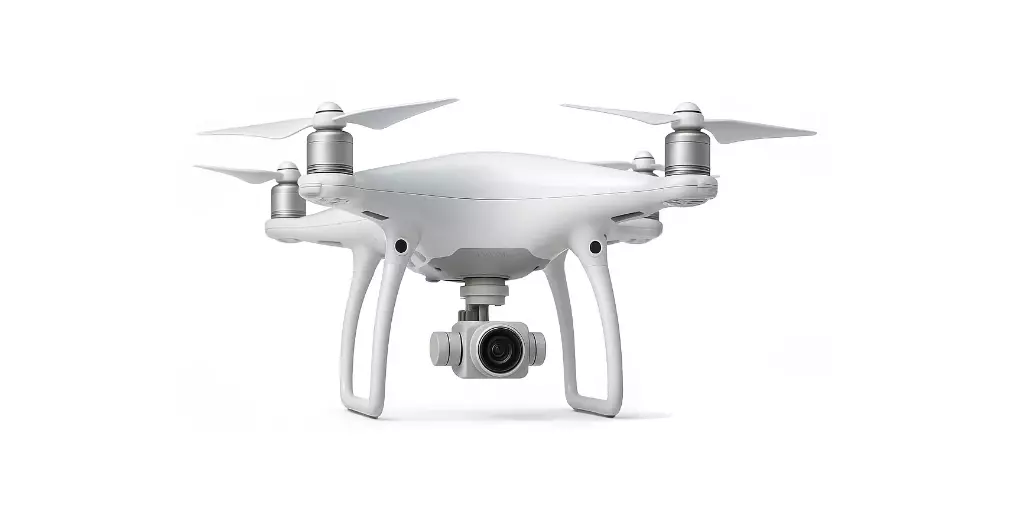
- Background removal or modification: Replace messy backdrops with clean, on-brand scenes that highlight your product or signage.
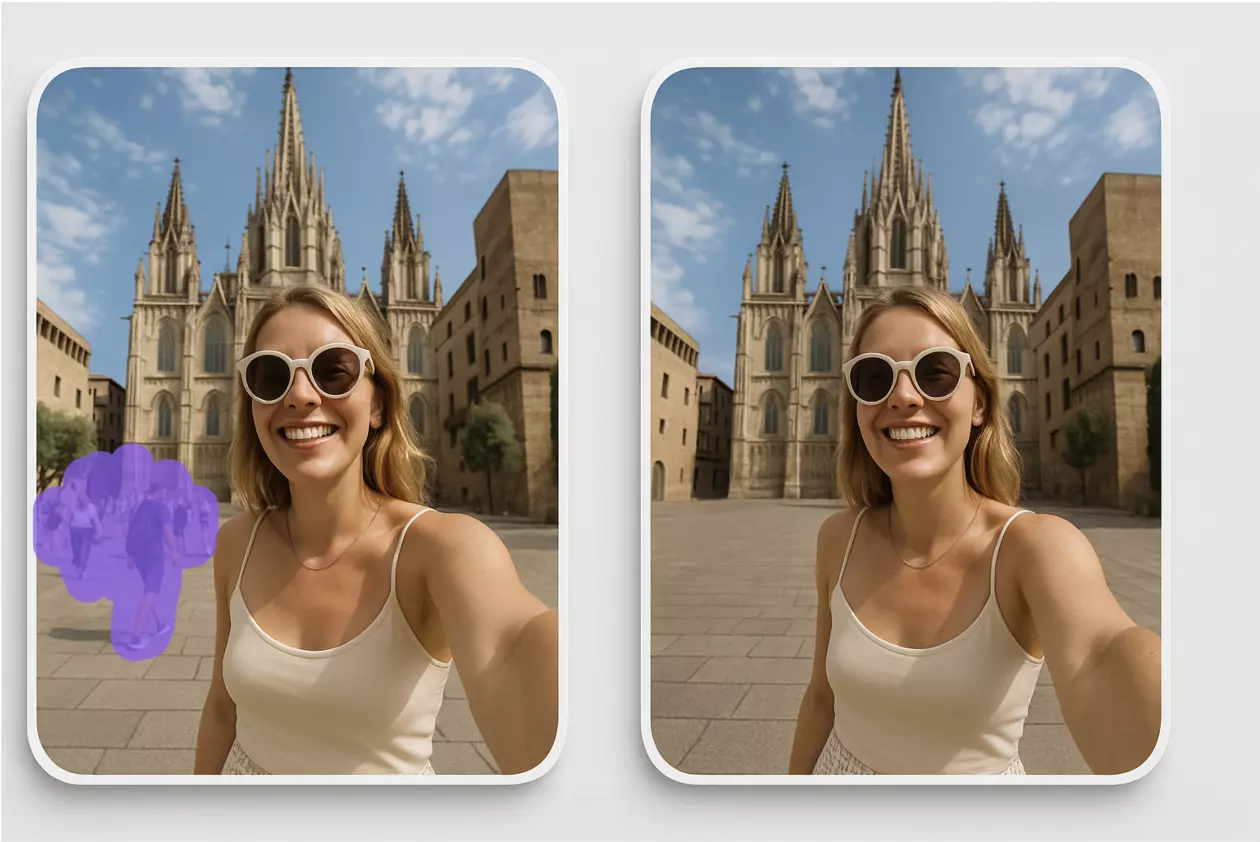
- Object removal: Erase photobombers, trash bins, or intrusive reflections.
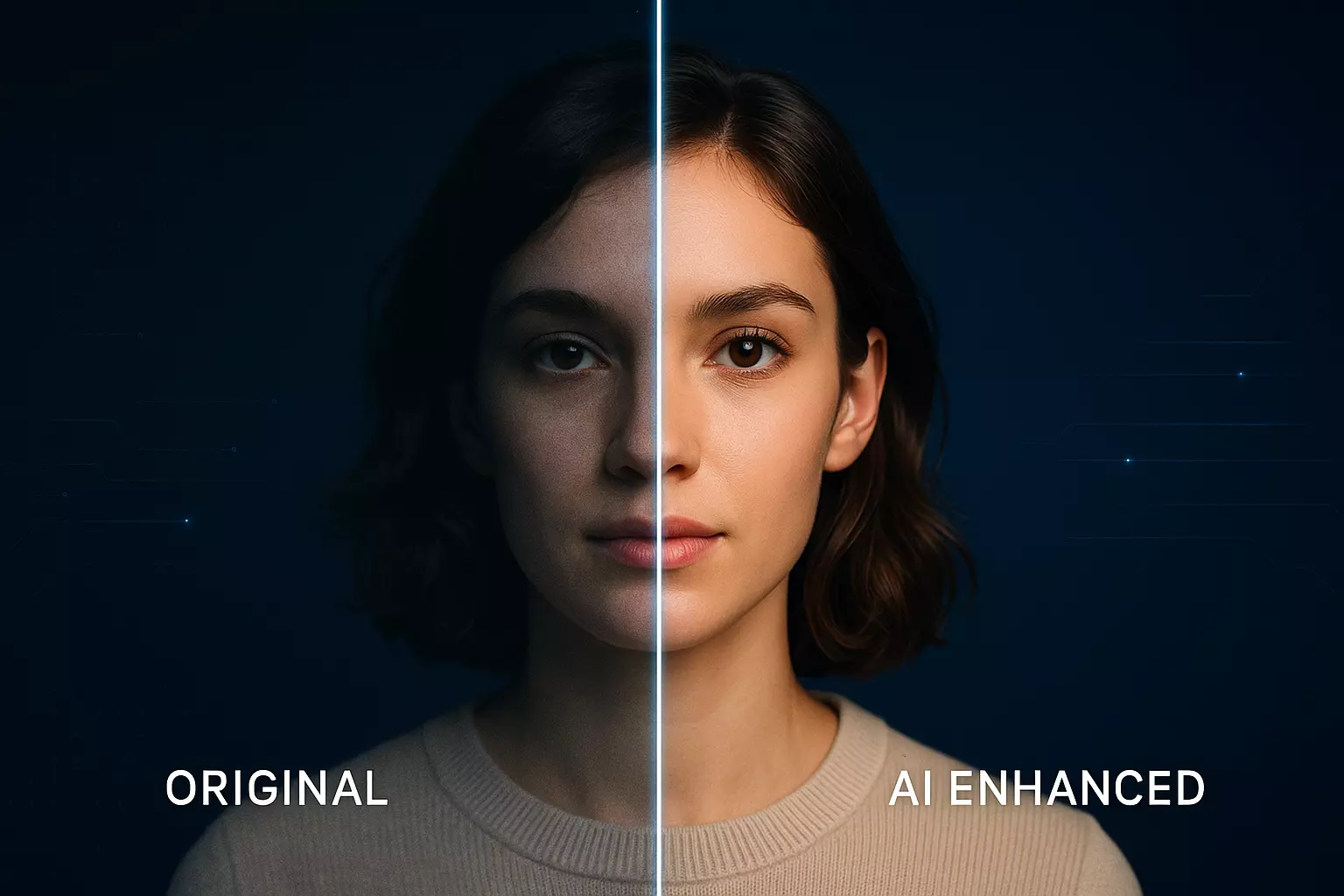
- Photo enhancement: Sharpen details, refine contrast, and correct color casts.
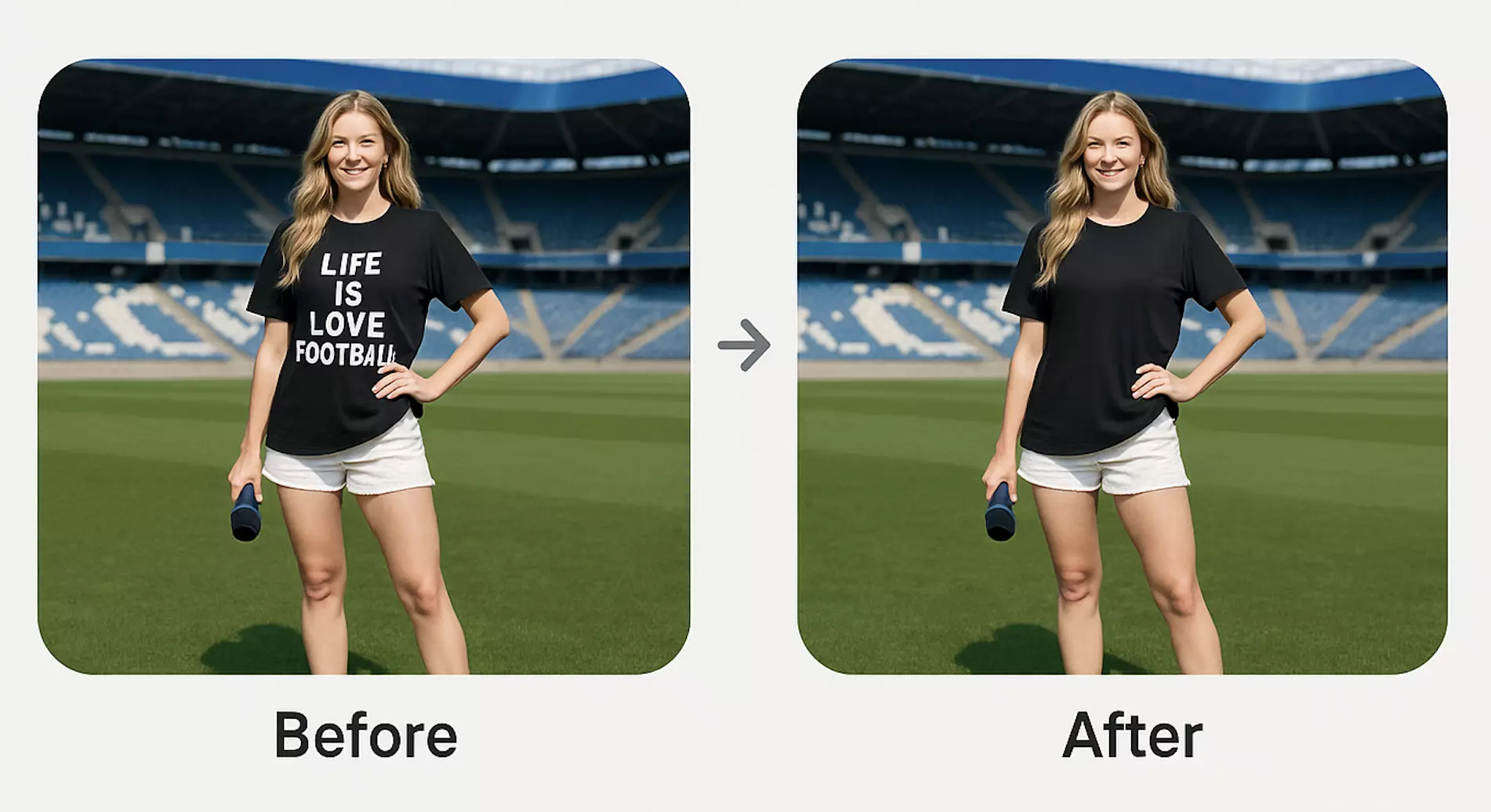
- Watermark removal: Clean your own legacy watermarks or dates when you own the rights. Use responsibly.
Pixflux.AI is purpose-built for this kind of polish: it removes backgrounds, tidies objects, enhances clarity, and supports batch processing so you can standardize dozens of images in one sitting.
Compliance note: Only edit images you own or are authorized to use. Removing third‑party watermarks or altering images to misrepresent your business can violate Google’s policies and copyright law.
(See image suggestion: A product-in-context shot with background removed and colors corrected to brand palette, suitable for GBP Posts.)
Standardize images with Pixflux.AI: upload → AI process → download
Here’s the quickest way to clean and align your google business profile photos before you upload them to your listing.
1) Upload your originals
- Gather your best exterior, interior, team, and product shots.
- Start with sharp, well-exposed files to minimize heavy edits.
2) Let the AI process the images
- Use background removal for cluttered scenes, object removal for distracting elements, and enhancement to boost clarity and contrast.
- Keep edits natural; avoid overly stylized looks that feel unlike real-world viewing.
3) Download the results
- Export in sRGB JPG (photos) or PNG (logos).
- Save versions at 16:9 and square when needed so they crop cleanly across devices.
To get hands-on quickly, open Pixflux.AI and use it to clean and stage your images for upload—ideal when you’re ready to optimize GBP photos without mastering complex software.
(See image suggestion: Pixflux.AI interface illustrating the three-step flow: upload → AI processing → download.)
Advanced: a 5-step quality-control pass in Pixflux.AI
1) Open the Pixflux.AI tool page. 2) Upload your selected images (exterior, interior, team, products). 3) Choose the right tool: background removal, object remover, watermark cleanup (if you own the rights), or enhancer. 4) Preview and fine‑tune: check edges, shadows, and color; make quick touch-ups so the result looks natural. 5) Download your final set for GBP upload and site use.
For bulk updates (e.g., monthly refreshes or multi-location pushes), take advantage of Pixflux.AI’s batch handling to keep throughput high and quality consistent.
Multi‑location playbook: naming, batching, and cadence
- File naming: location-brand-category-seq (e.g., “denver‑north‑exterior‑01.jpg”). Helps internal organization and team QA.
- Batch processing: Group similar scenes (all exteriors, then interiors) to apply consistent edits quickly. Pixflux.AI’s batch work saves hours vs. one-by-one retouching.
- Local cues: Capture exterior shots with recognizable neighborhood elements (legal and respectful of privacy) to reinforce authenticity.
- Update cadence:
- Quarterly baseline refresh (exterior, interior, team).
- Monthly additions for new products/services and seasonal changes.
- Handoff checklist: Resolution, color space, crops for 16:9 and 1:1, logo legibility, and mobile preview.
Measurement that matters
Tie your photo work to outcomes:
- Photo views: Track which images attract the most impressions in your Google Business Profile performance dashboard.
- CTR proxies: Look for increases in clicks to website, calls, and direction requests after major photo updates.
- Local pack engagement: Monitor visibility and interactions from Search and Maps, especially on mobile.
- Cohort testing: Rotate two cover photo options over two months and compare engagement deltas.
If you’re not seeing movement, revisit composition (is the subject clear on a phone?), lighting (too dark?), and relevance (do photos reflect your most-requested services?).
Compliance and authenticity
- Use only content you own or have permission to use. Keep representations factual and current (e.g., correct pricing signage).
- Watermark removal must be ethical and lawful—clean your own legacy marks or authorized materials only. Do not remove third‑party rights marks or add misleading overlays.
- Avoid excessive filters, text-heavy graphics, or stock images that don’t depict your real business; these can be rejected or reduce trust.
Troubleshooting GBP photos
- Rejections: Often caused by promotional text overlays, misleading content, or policy-violating edits. Re-upload simplified, authentic versions.
- Blurry uploads: Start from higher-resolution originals; ensure steady shots and AI sharpening only as needed.
- Color shifts: Export in sRGB; avoid overly warm/cool casts. If images look off on mobile, re-check color space and compression.
- Cropping issues: Keep key subjects centered with safe margins; provide both landscape and square crops when possible.
- Dark results on mobile: Raise exposure slightly, use gentle contrast, and avoid heavy vignettes.
AI tools vs traditional methods
- Time cost: AI cleanup in Pixflux.AI takes minutes. Photoshop retouching or outsourcing rounds can take hours to days per batch.
- Learning curve: No deep design skills required. Traditional software demands ongoing mastery of complex tools and plugins.
- Batch efficiency: Pixflux.AI handles multiple images in one run; manual retouching struggles to stay consistent across dozens of photos.
- Cross‑team adoption: A simple, repeatable workflow lets managers, marketers, and franchisees produce consistent results without bottlenecking in a single designer’s queue.
Compared with traditional methods, Pixflux.AI helps teams push consistent, high-quality local seo images on a predictable schedule.
Quick checklist before you upload to GBP
- Do images look clean in mobile view?
- Is lighting bright and natural, with true-to-life colors?
- Are backgrounds tidy, distractions removed, and branding consistent?
- Do you have the right crops (16:9 for cover, square for thumbnails/logo)?
- Are files exported in sRGB, JPG/PNG, with sensible compression?
- Have you included a balanced set: exterior, interior, team, product/services, seasonal?
Conclusion and next steps
In 2025, winning the local pack means treating your Google Business Profile photos like core on-page assets: clean lighting, clear subjects, authentic scenes, and consistent branding across every upload. With a simple AI workflow, you can refresh galleries regularly, maintain quality across locations, and connect visuals to real outcomes—more clicks, calls, and directions.
Try a streamlined pass today: upload your images, let AI clean them up, and export for a fast update cycle. Pixflux.AI makes it straightforward to standardize and enhance your google business profile photos—and it’s just as handy when you’re ready to polish your broader set of google business profile images for Posts and seasonal campaigns.
Pixflux.AI helps you keep your listing fresh, consistent, and conversion-focused—without heavy software or long production timelines.