Warm Cap Caramel Template
Commonly used for food e-commerce, caramel top layer + warm gray bottom
- Caramel top cap layer
- Warm gray bottom background
- Visual zoning guidance
- Pixflux.AI automatically prevents product and color band contamination

Template Specifications
Best Practices
Food E-commerce Application
The caramel top layer creates a warm, appetizing feel, perfect for food product displays.
The warm gray bottom background keeps products clear and distinguishable.
Visual Zoning Design
The top color band guides visual zoning and highlights brand or category information.
Products are placed in the bottom area to maintain visual balance.
Auto Contamination Prevention
Pixflux.AI automatically detects product edges to prevent contamination with color bands.
Ensures clear separation between products and backgrounds.
Most Popular AI Photo Editing Tools
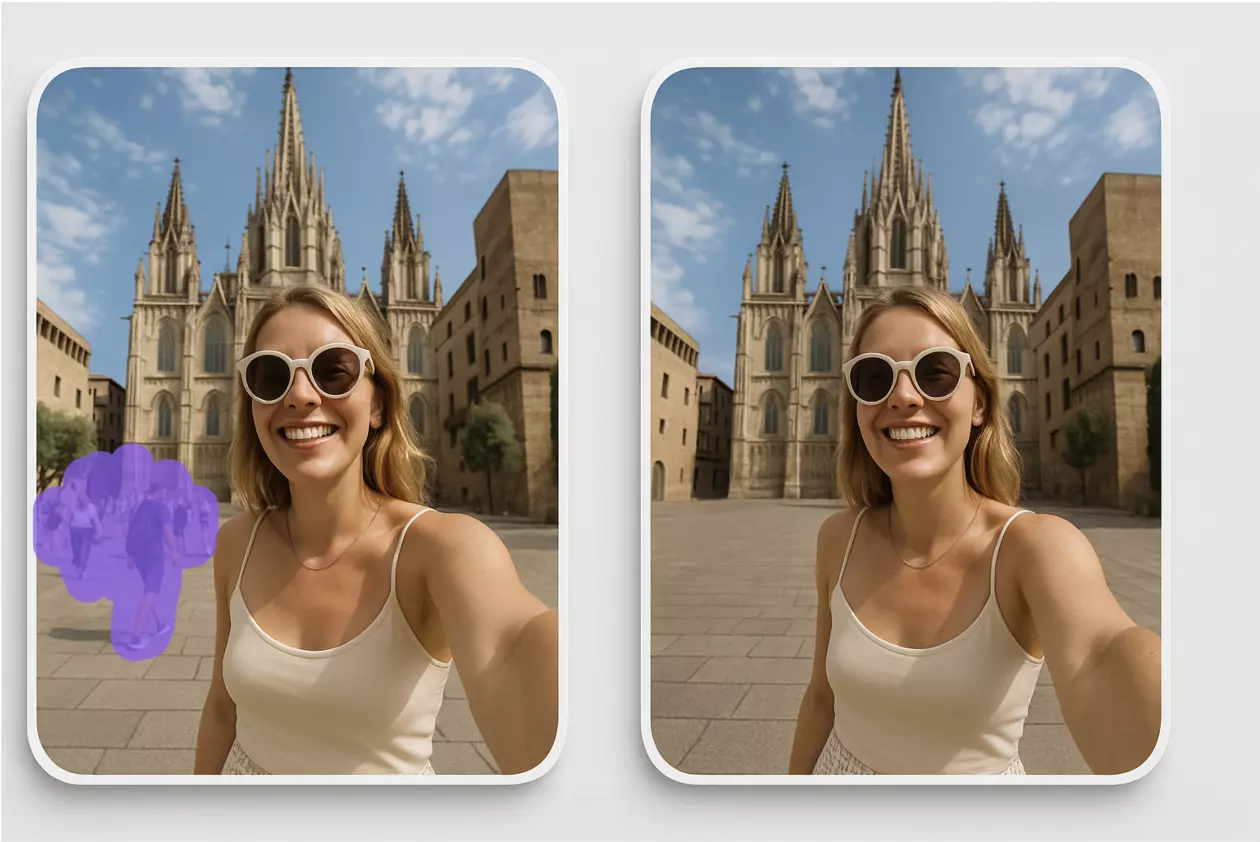
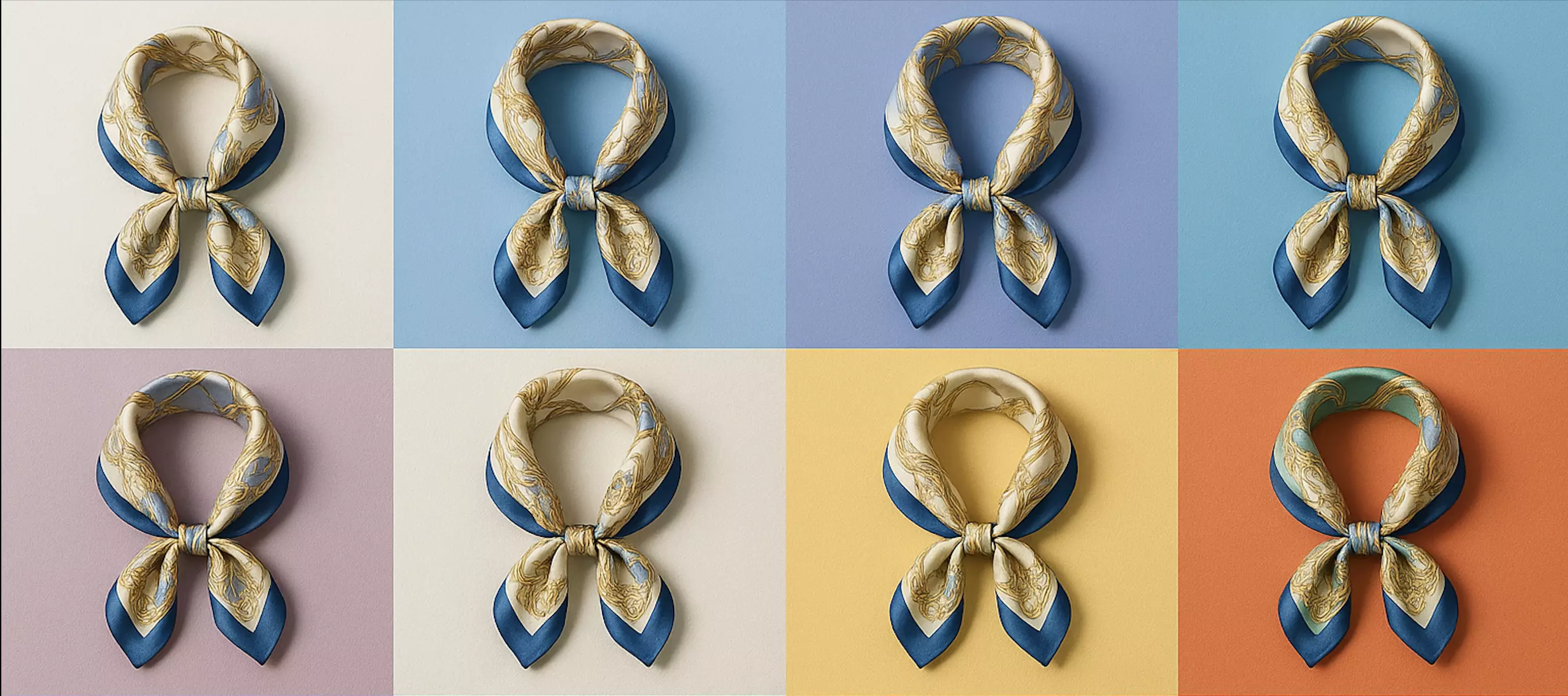
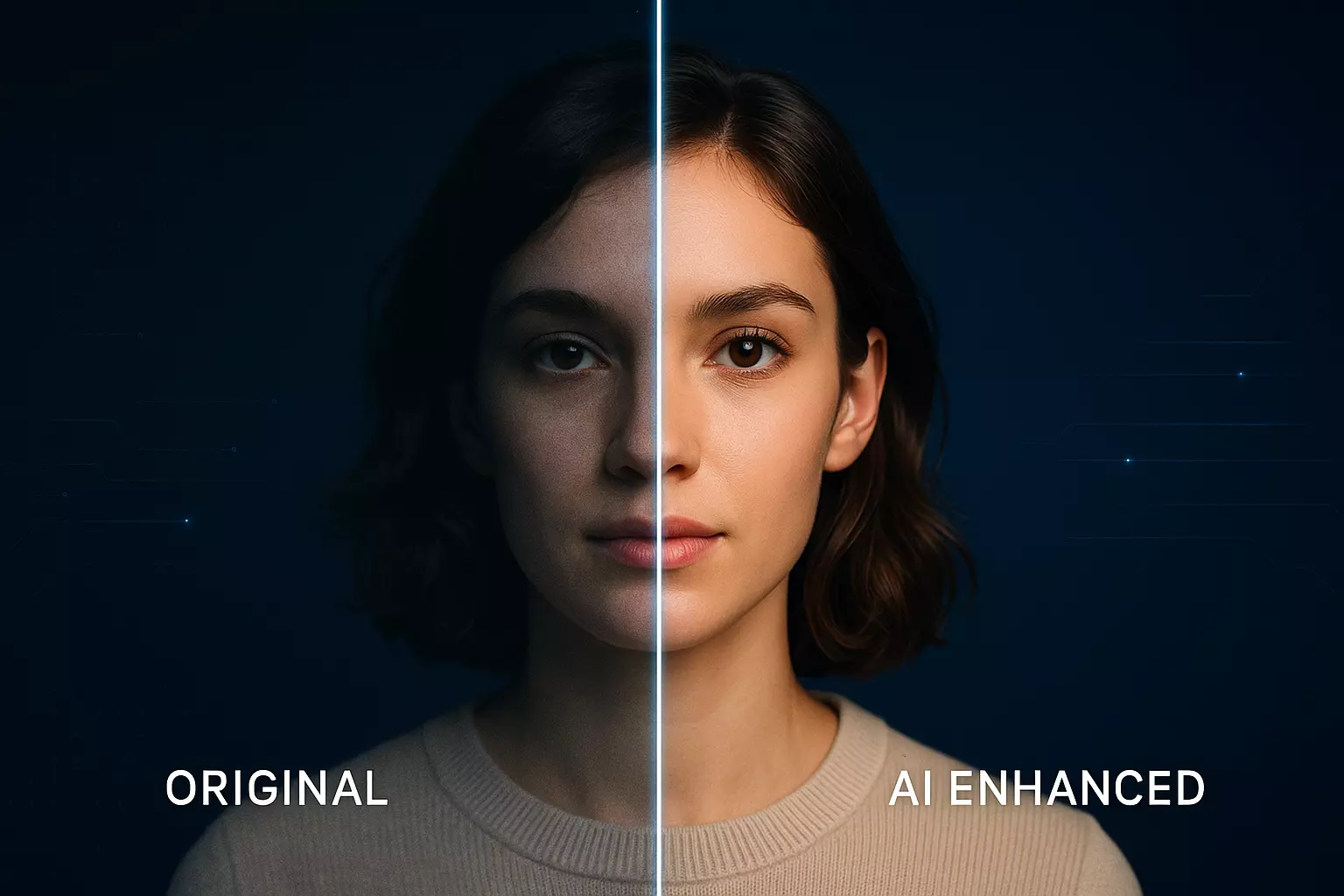
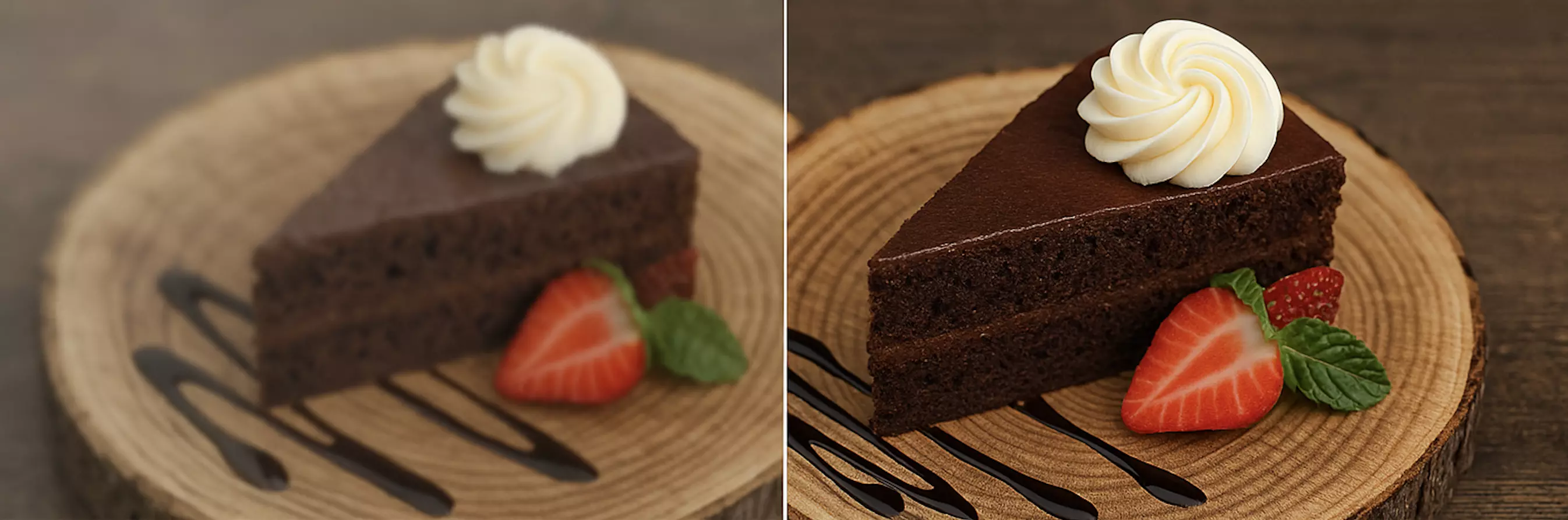
User-favorite AI photo editing tools supporting background removal, watermark removal, smart cutouts, photo enhancement, batch processing, and e-commerce templates. Instantly optimize product images and marketing materials online to boost conversions.


Frequently Asked Questions
Complete guide to Warm Cap Caramel template