Shopify Product Images: Batch Background Remover Workflow
Transform your Shopify store with professional product images. Remove backgrounds from hundreds of products in minutes with AI batch processing. Save 80% editing time while maintaining brand consistency.
AI Batch Processing vs. Manual Editing for Shopify Products
AI Batch Processing (Pixflux.AI)
- Process 200+ product images in under 15 minutes
- Consistent white backgrounds across entire catalog
- Automatic quality optimization for Shopify requirements
Manual Photo Editing
- Hours of manual editing per product batch
- Inconsistent results across different products
- Requires advanced Photoshop skills and experience
Why Shopify Stores Need Professional Product Backgrounds
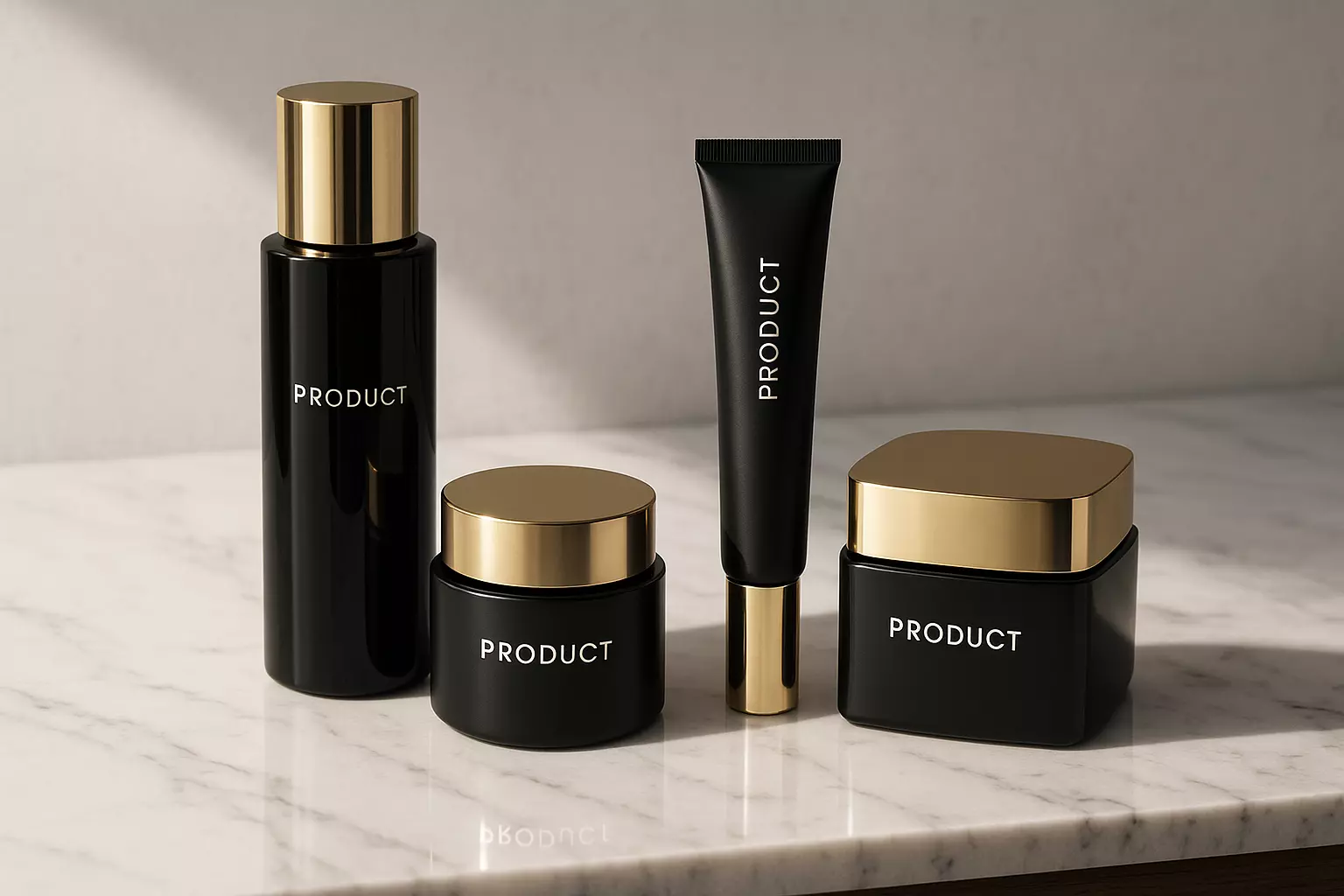
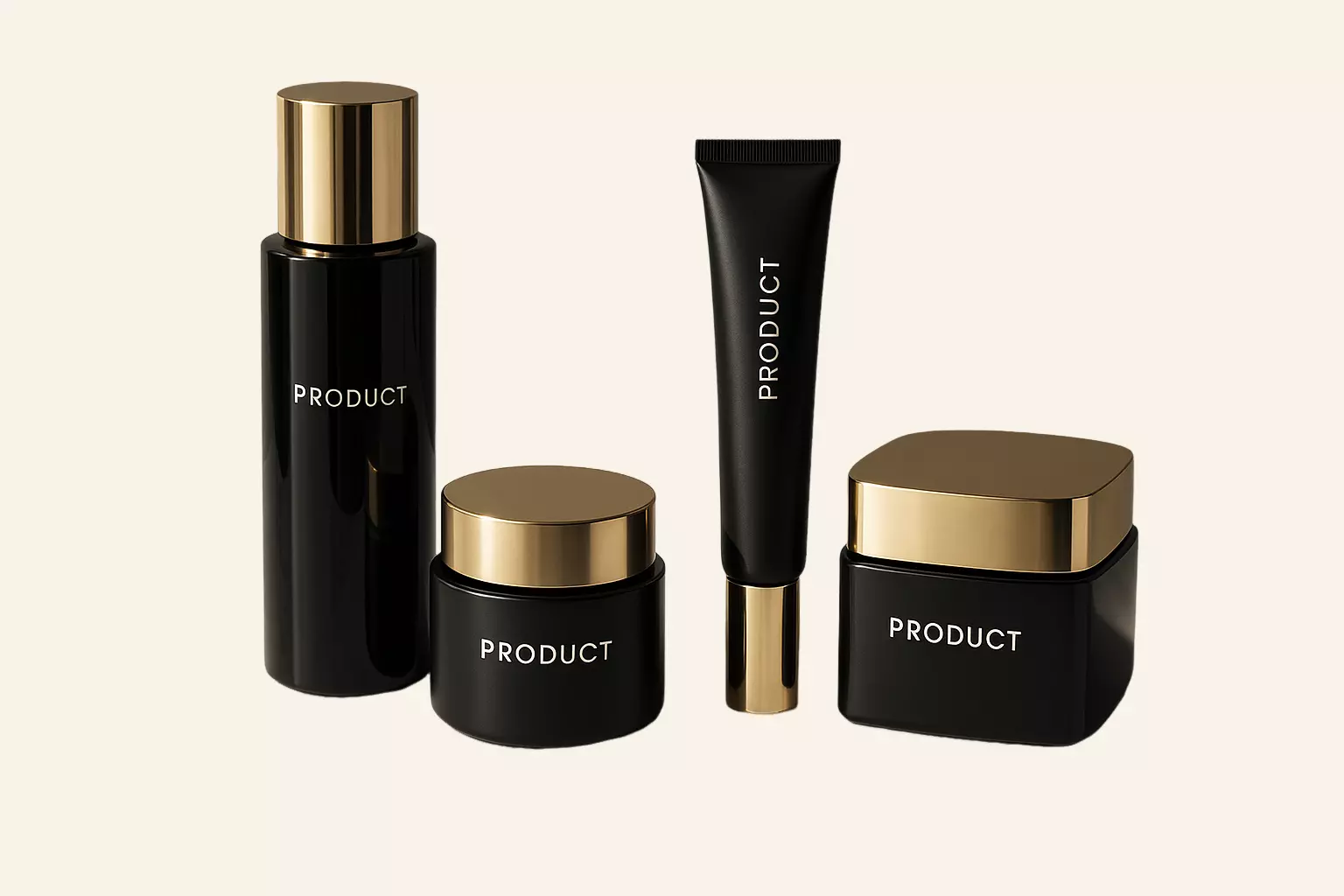
Professional product images with clean backgrounds increase conversion rates by up to 40%. Shopify stores with consistent, high-quality product photos see higher customer trust, reduced bounce rates, and improved search rankings. Our AI batch background remover helps you achieve professional e-commerce standards at scale.
Key Benefits for Shopify Store Owners
Boost conversion rates with professional white background products
Save 80% time compared to manual editing workflows
Maintain visual consistency across your entire product catalog
Meet Shopify's image quality guidelines automatically
Perfect for These Shopify Use Cases
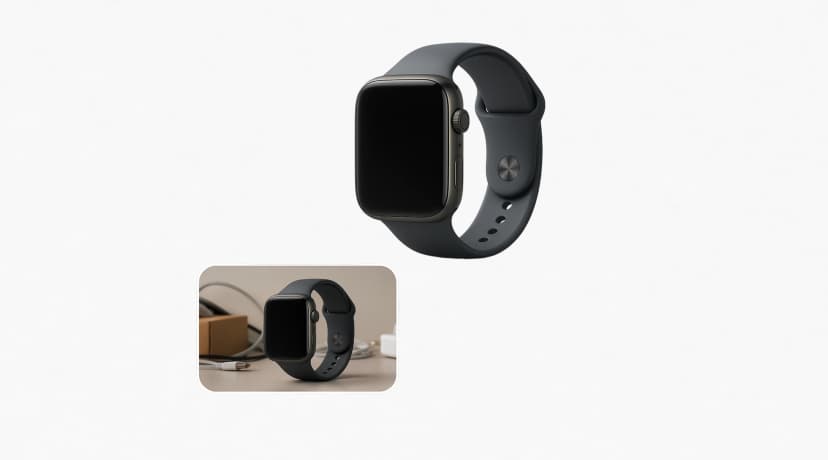
New Product Launches
Quickly prepare product images for new collections. Create professional backgrounds that match your brand standards and Shopify theme requirements.
Optimize new products
Catalog Standardization
Unify your existing product catalog with consistent backgrounds. Transform mixed-quality photos into professional e-commerce images.
Standardize catalog
Seasonal Campaigns
Rapidly update product backgrounds for holiday seasons, sales events, or marketing campaigns. Maintain brand consistency at scale.
Update for campaigns
Multi-Channel Selling
Create product images optimized for Shopify, Amazon, eBay, and social media. One batch process for all platforms.
Optimize for all channels
Supplier Photo Cleanup
Transform supplier photos with inconsistent backgrounds into professional product images that match your brand standards.
Clean supplier photos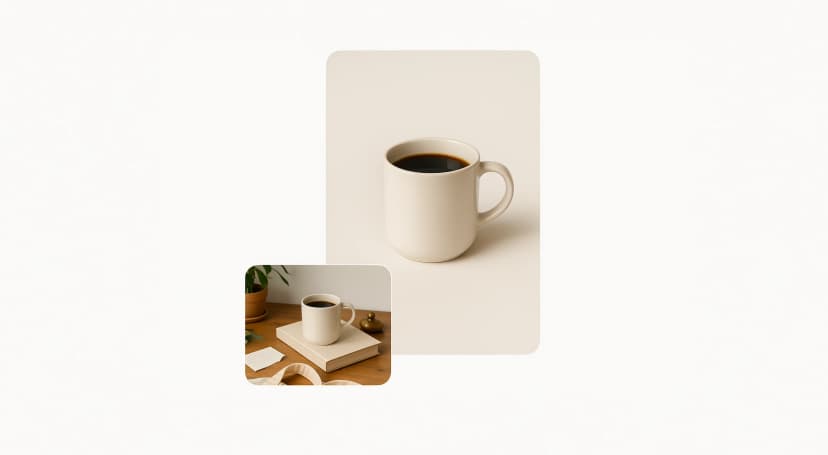
Mobile Optimization
Ensure product images look perfect on mobile devices with clean, distraction-free backgrounds that focus on your products.
Optimize for mobileHow to Batch Remove Backgrounds from Shopify Product Images
Follow this step-by-step workflow to transform your entire Shopify product catalog with professional backgrounds. Perfect for store owners who need to process large quantities of product images efficiently.
Prepare your product image collection
Organize all product images in a folder on your computer. Ensure images are high-resolution (at least 1000px) and show products clearly. Group similar products together for efficient batch processing.
Access Pixflux.AI batch background remover
Navigate to Pixflux.AI and select the 'Background Remover' tool. Choose the batch processing option to handle multiple images simultaneously for maximum efficiency.
Upload your product images in bulk
Drag and drop your entire product image folder or select multiple files at once. Our system supports JPG, PNG, and WebP formats with automatic optimization for Shopify requirements.
Configure batch processing settings
Select your preferred background option: transparent, white, or custom color. Set quality preferences and output format to match your Shopify theme and brand guidelines.
Process and download optimized images
Click 'Start Batch Processing' and watch as AI removes backgrounds from all your products. Download the complete set of professional images ready for your Shopify store.
Frequently Asked Questions
Everything you need to know about batch background removal for Shopify products
Transform Your Shopify Store with Professional Product Images
Ready to boost your conversion rates with professional product backgrounds? Start batch processing your Shopify product images now and see the difference professional photos make for your store.
Start batch processing now