TikTok LIVE Thumbnails: Clean BG & Brand Overlay
Create scroll-stopping TikTok LIVE thumbnails with AI background removal. Boost clicks and views with professional covers that showcase your brand instantly.
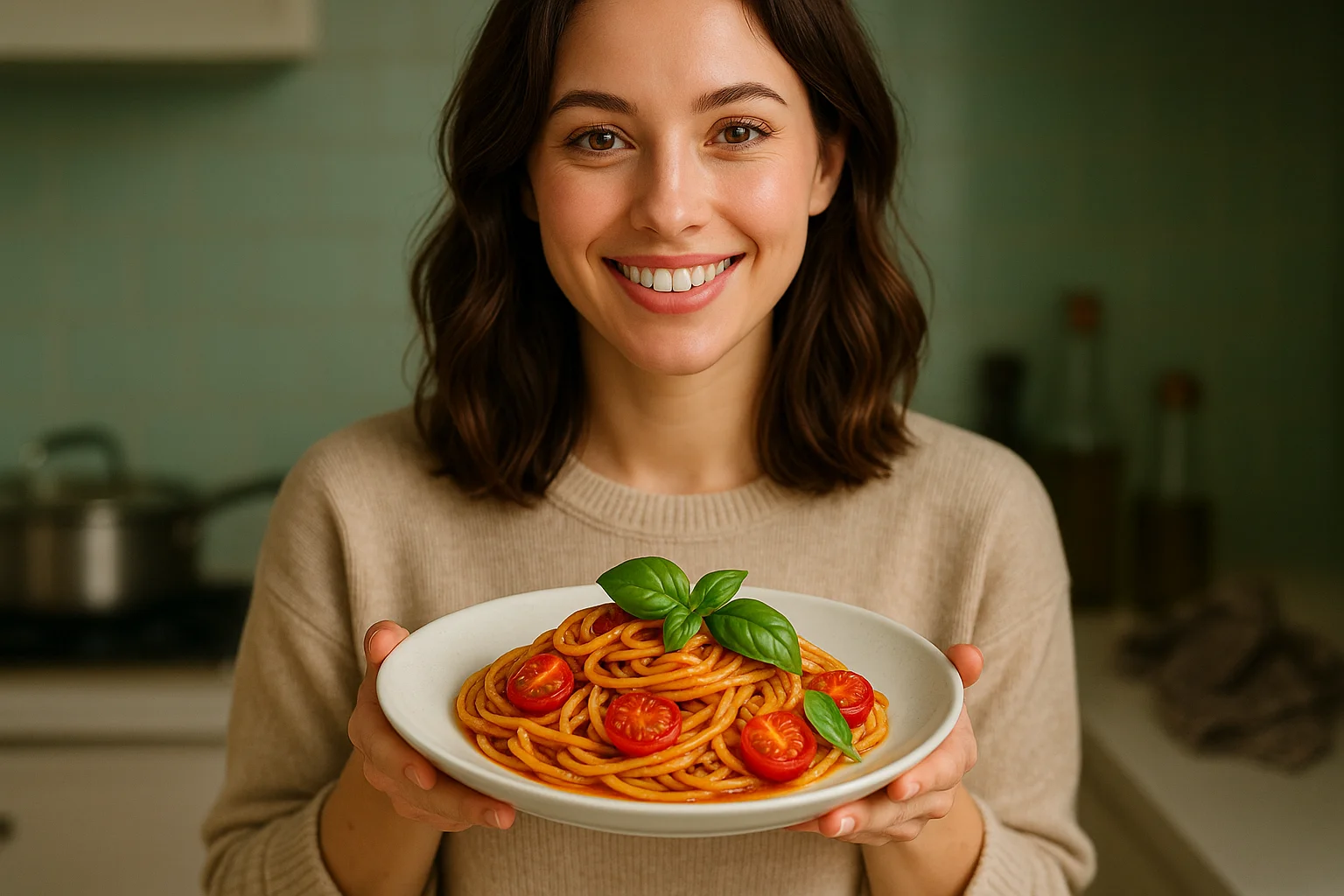
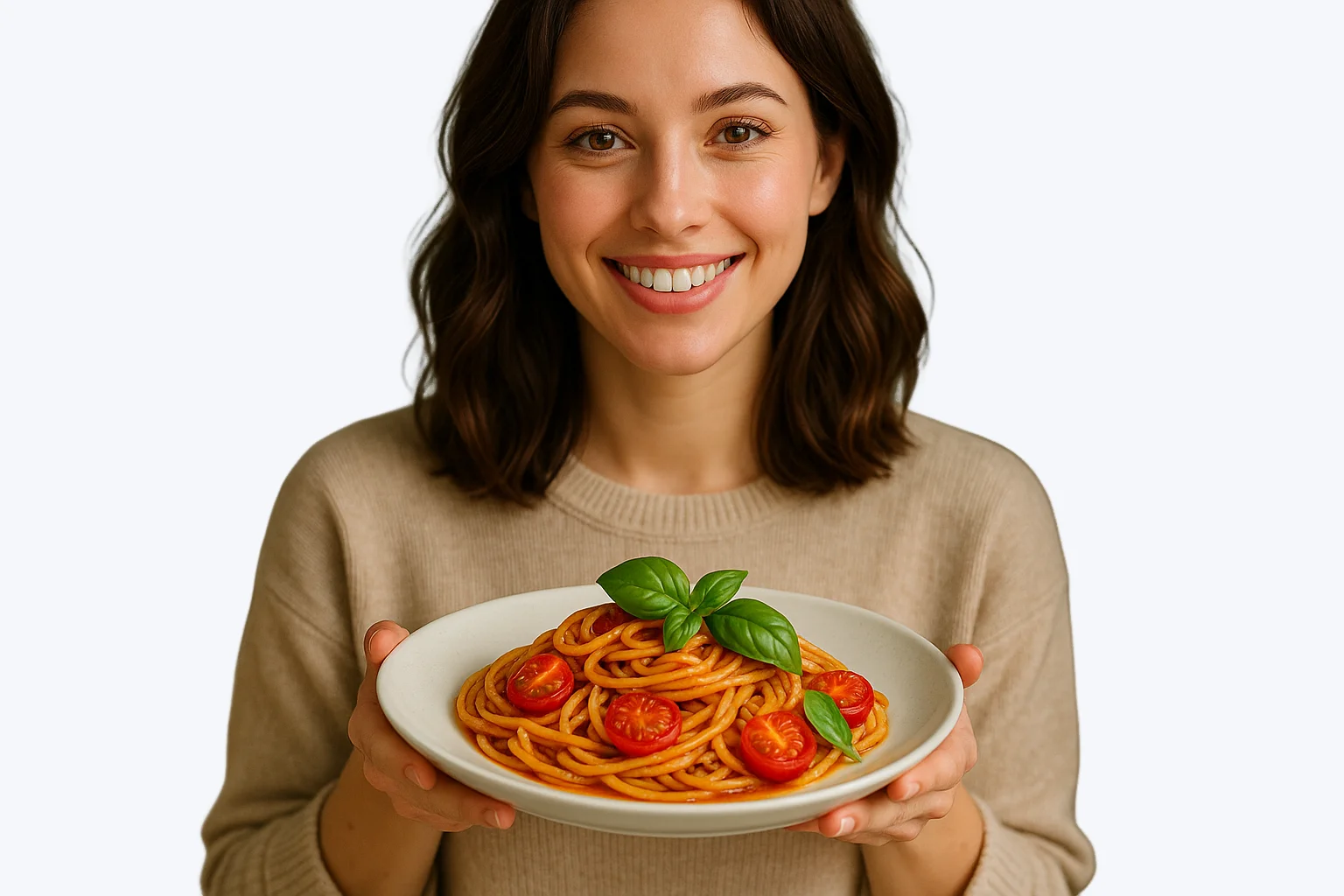
Pixflux.AI vs. Manual Design: TikTok LIVE Thumbnail Creation
AI Background Remover (Pixflux.AI)
- One-click background removal for clean LIVE thumbnails
- Instant brand overlay with transparent backgrounds
- Professional results in seconds, not hours
Manual Design Tools
- Complex masking and selection tools require expertise
- Time-consuming manual background editing process
- Inconsistent quality across multiple thumbnails
Why TikTok LIVE Thumbnails Matter for Success
Your TikTok LIVE thumbnail is the first impression viewers get before joining your stream. A clean, professional thumbnail with removed backgrounds and brand elements can increase click-through rates by up to 300%. Our AI background remover helps you create scroll-stopping thumbnails that stand out in the feed and drive more viewers to your LIVE sessions.
AI Background Removal: Key Advantages for LIVE Thumbnails
Remove messy backgrounds instantly for clean, professional thumbnails
Create consistent brand overlay templates for all your LIVE sessions
Generate multiple thumbnail variations in minutes, not hours
Maintain high image quality while removing complex backgrounds
Perfect TikTok LIVE Thumbnail Scenarios
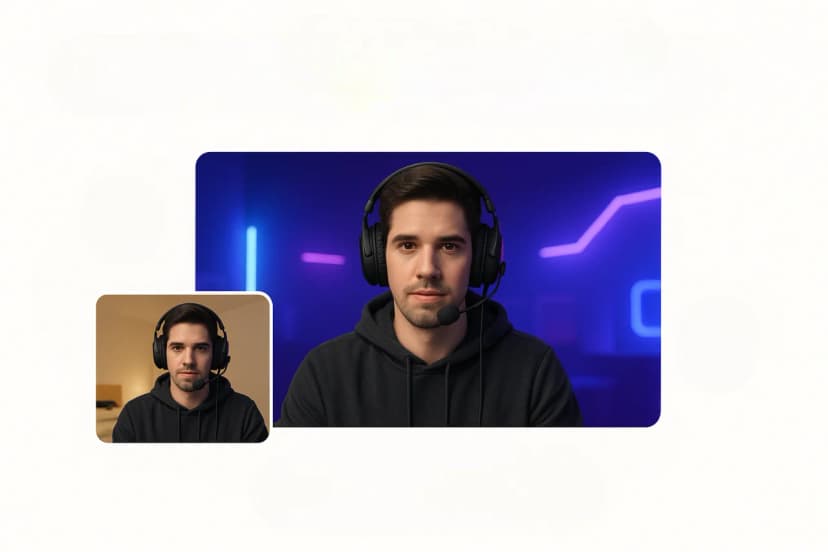
Gaming Streams
Remove cluttered room backgrounds and add gaming brand overlays. Create professional esports-style thumbnails that attract gaming audiences.
Create gaming thumbnails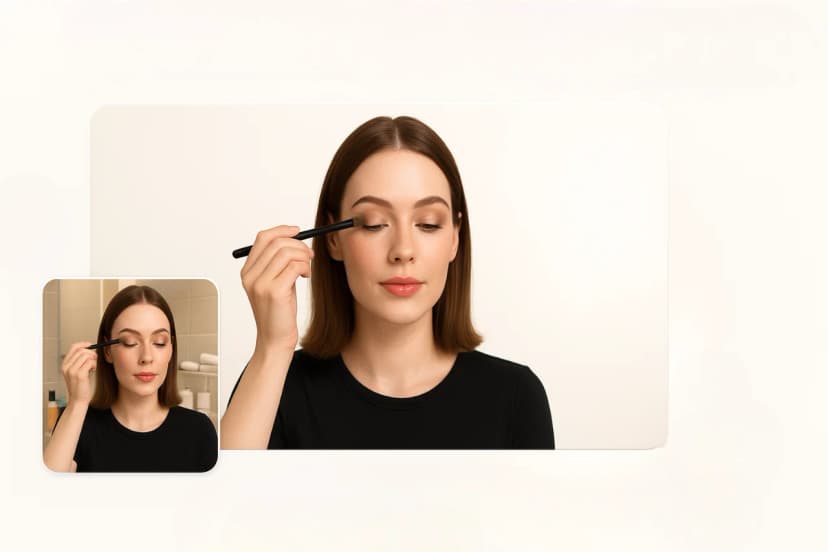
Beauty & Fashion LIVE
Clean up backgrounds and add brand elements for beauty tutorials and fashion shows. Professional studio-look thumbnails boost credibility.
Create beauty thumbnails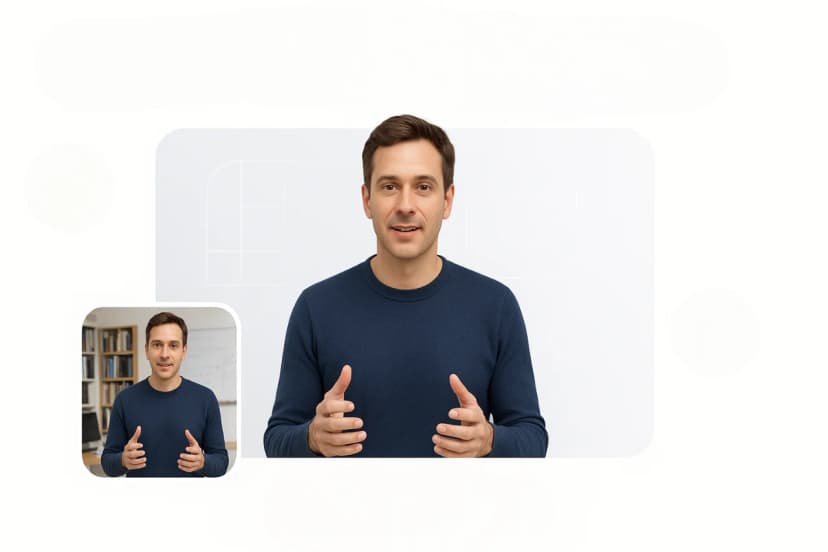
Educational Content
Remove distracting backgrounds from educational LIVE streams. Add clean, professional overlays that emphasize your expertise.
Create educational thumbnails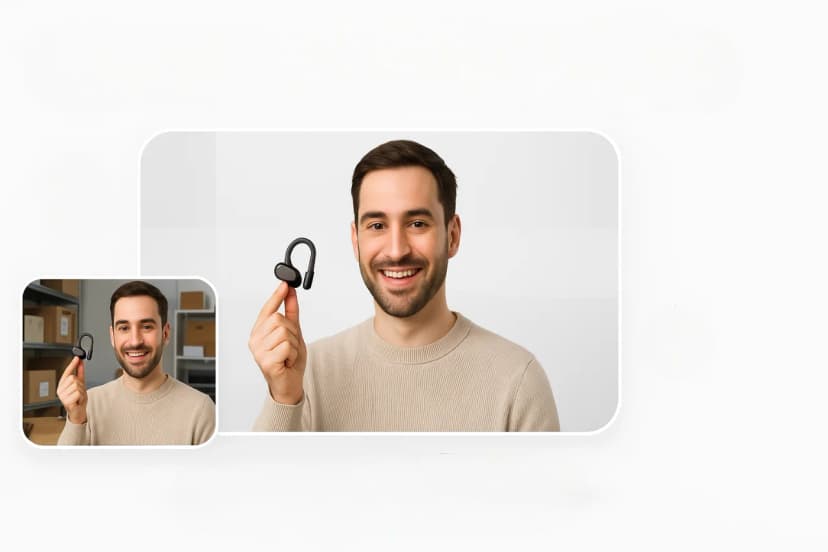
Product Launches
Showcase products with clean backgrounds and brand overlays. Create compelling thumbnails for product launch LIVE events.
Create product thumbnails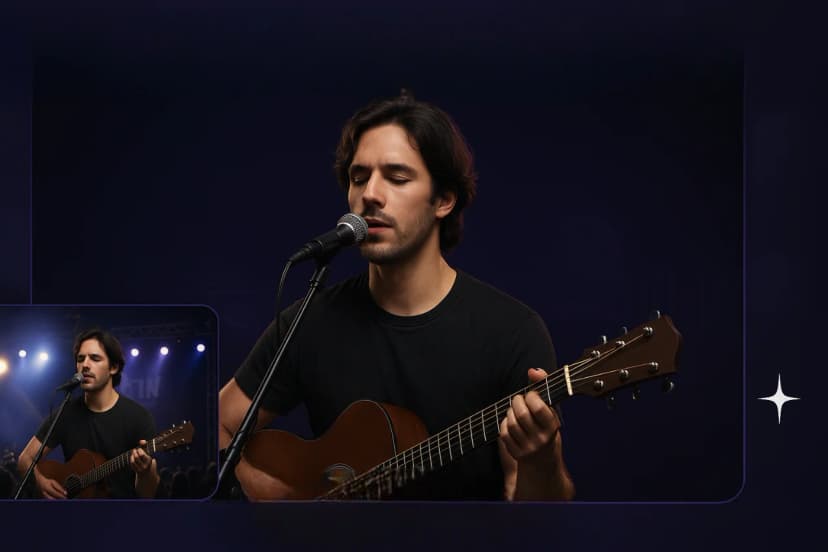
Music Performances
Remove venue backgrounds and add artistic overlays for music LIVE streams. Create concert-style thumbnails that attract music fans.
Create music thumbnails
Cooking Shows
Clean up kitchen backgrounds and add food brand overlays. Professional cooking show thumbnails increase viewer engagement.
Create cooking thumbnailsHow to Create TikTok LIVE Thumbnails: Step-by-Step Guide
Learn how to create professional TikTok LIVE thumbnails using Pixflux.AI's background remover. This guide shows you how to remove backgrounds and add brand overlays for maximum impact.
Select the Background Remover tool
Navigate to Pixflux.AI and choose the 'Background Remover' tool from our AI-powered editing suite. This tool is optimized for creating clean, professional thumbnails perfect for TikTok LIVE streams.
Upload your LIVE thumbnail photo
Click 'Start from a photo' or drag and drop your image. Use a high-quality photo of yourself or your content setup. Our platform supports JPG, PNG, and WebP formats for optimal processing.
AI processes your image automatically
Our advanced AI instantly detects and removes the background while preserving fine details like hair, clothing textures, and product edges. Watch as your image transforms into a professional thumbnail base.
Download transparent background image
Download your image with a transparent background. This clean cutout is perfect for adding brand overlays, text elements, and custom backgrounds that match your TikTok brand aesthetic.
Add brand overlays and elements
Use your favorite design tool to add brand colors, logos, text overlays, and call-to-action elements. The transparent background makes it easy to create consistent, professional LIVE thumbnails that drive clicks.
Ready to Create Scroll-Stopping TikTok LIVE Thumbnails?
Transform your TikTok LIVE strategy with professional thumbnails that boost clicks and views. Start creating compelling covers that showcase your brand and attract more viewers to your streams.
Create LIVE thumbnails now