YouTube Shorts Cover: Remove Distracting Backgrounds with AI
Create scroll-stopping YouTube Shorts covers with AI background removal. Boost your click-through rate and views with clean, professional thumbnails that stand out in the feed.
AI Background Removal vs. Traditional Editing for Shorts Covers
AI Background Remover (Pixflux.AI)
- One-click background removal in 3 seconds
- Optimized for vertical Shorts format (1080x1920)
- Free to start, no design skills required
Traditional Photo Editing Tools
- Manual selection takes 10-30 minutes per cover
- Requires Photoshop expertise or designer cost
- Mobile editing apps produce inconsistent results
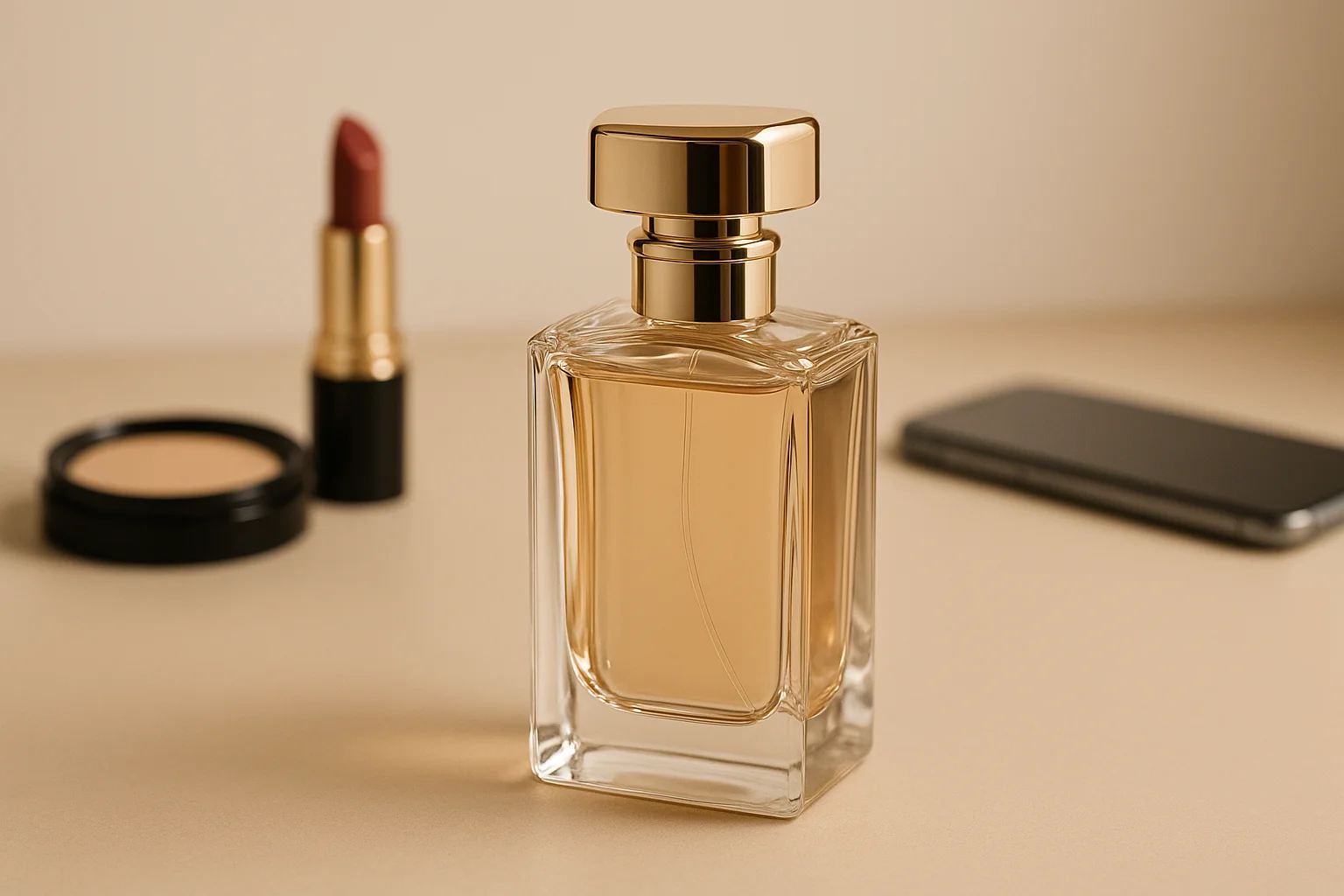
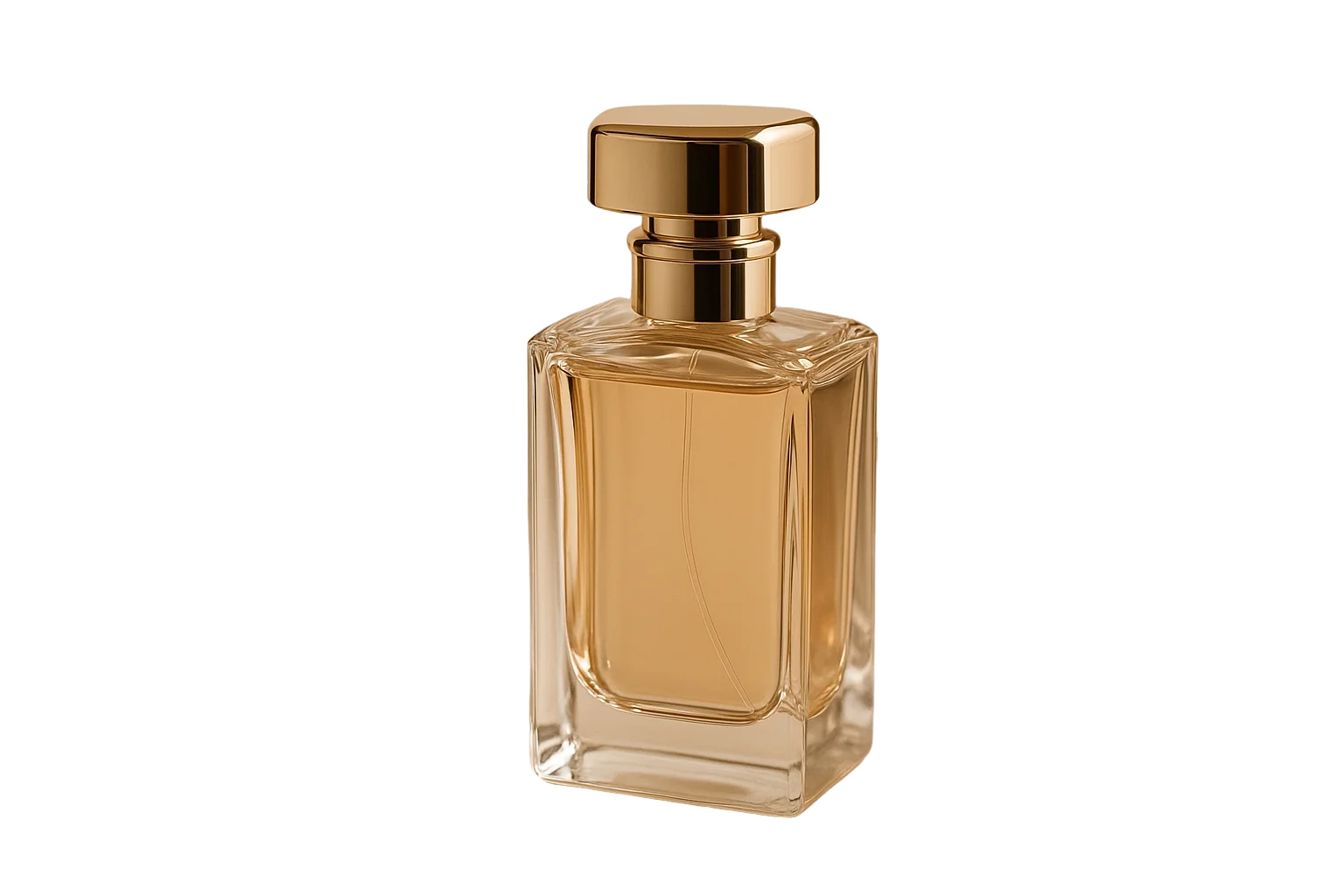
Why Clean Backgrounds Matter for YouTube Shorts Covers
YouTube Shorts algorithm prioritizes engagement. Your cover thumbnail is the first thing viewers see in the feed. A clean, distraction-free background helps your content stand out, increases click-through rates, and signals professionalism to the algorithm. With YouTube recently expanding Shorts thumbnail editing capabilities, now is the perfect time to optimize your covers.
AI Background Removal: Key Advantages for Content Creators
Instant background removal preserves subject clarity and sharpness
Perfect for vertical format without quality loss
Add solid colors or custom backgrounds to match your brand
Process multiple Shorts covers in minutes, not hours
Perfect for These YouTube Shorts Scenarios
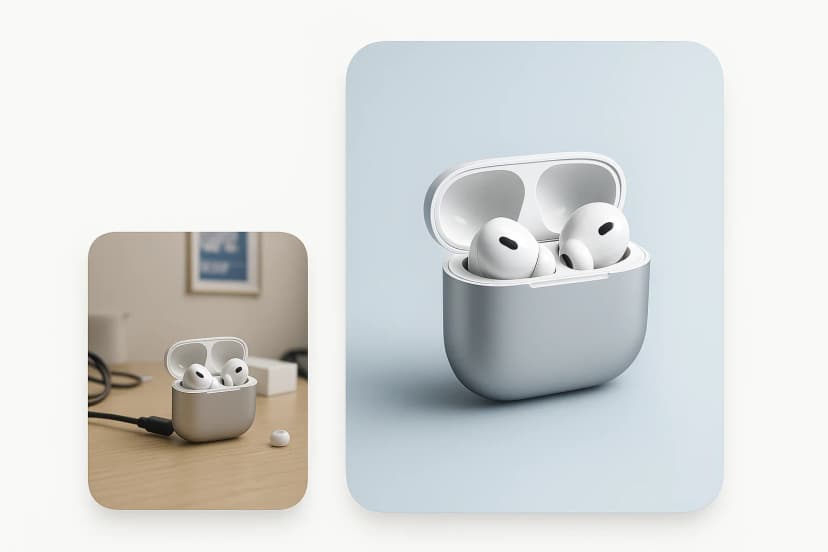
Product Review Shorts
Remove cluttered backgrounds to make products pop. Clean thumbnails increase clicks from shoppers browsing the Shorts feed.
Optimize product review covers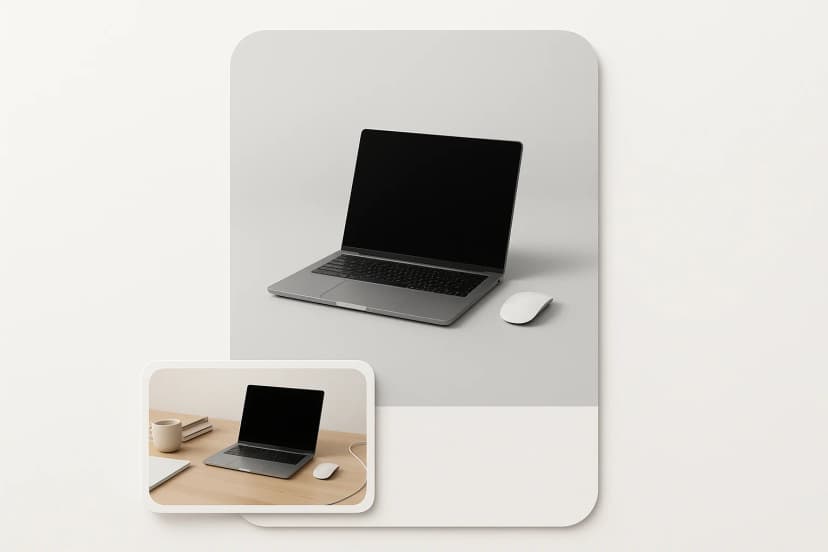
Tutorial & How-To Content
Professional backgrounds enhance credibility. Stand out in educational Shorts categories with clean, focused thumbnails.
Create tutorial thumbnails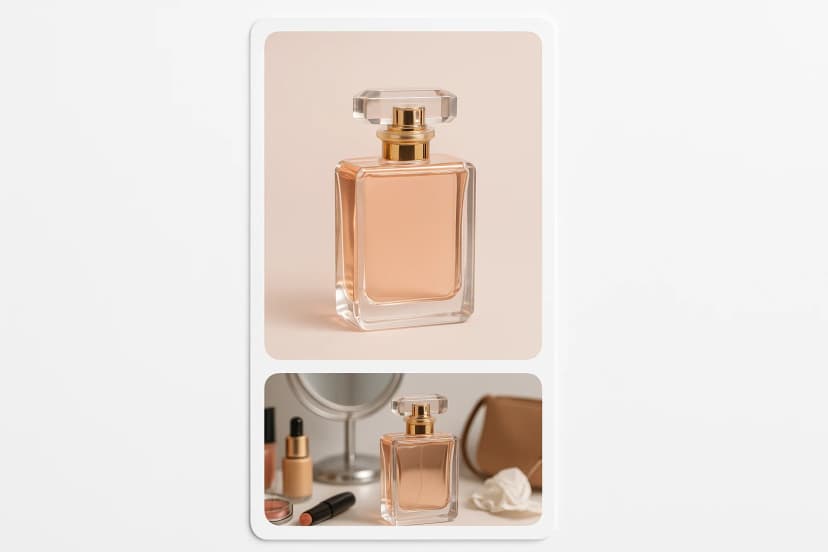
Beauty & Fashion Shorts
Unified background aesthetics strengthen brand identity. Match your Shorts covers to your overall channel visual style.
Design beauty Shorts covers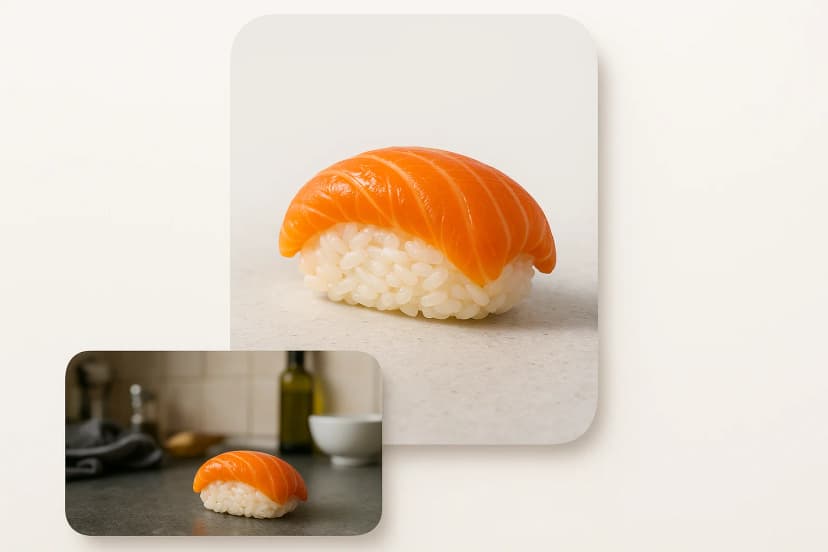
Food & Cooking Shorts
Remove kitchen clutter to spotlight delicious food. Make viewers crave your recipes with appetizing, clean thumbnails.
Perfect food Shorts thumbnails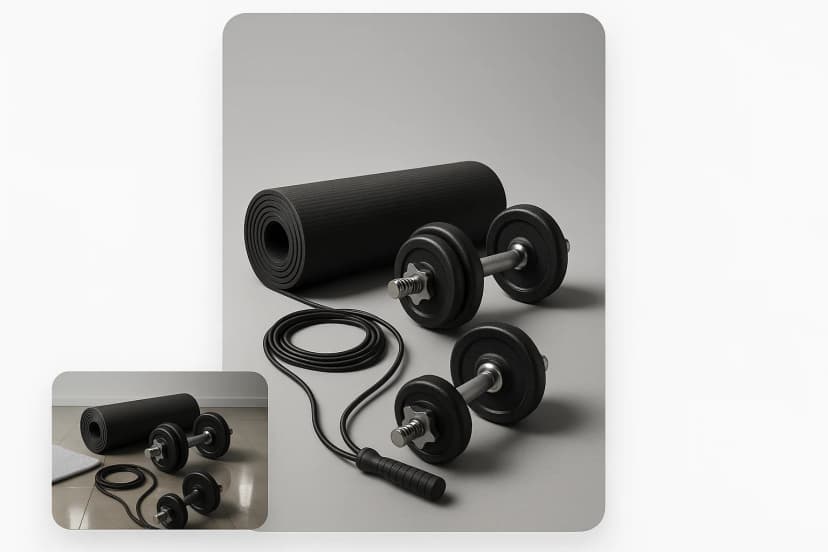
Fitness & Sports Shorts
Professional backgrounds build trust with fitness seekers. Clean covers signal quality workout content.
Create fitness Shorts covers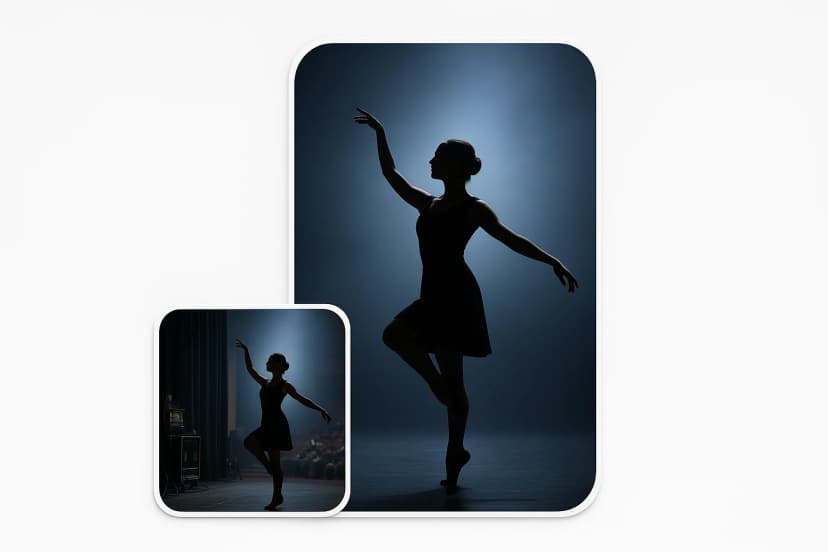
Dance & Performance Shorts
Stage-like backgrounds add visual impact. Make your performance Shorts stand out with dramatic, clean backdrops.
Design performance thumbnailsHow to Remove Background from YouTube Shorts Cover: Step-by-Step
Follow this simple guide to create professional YouTube Shorts covers with AI background removal. No design experience needed.
Navigate to Pixflux.AI Background Remover
Visit Pixflux.AI and select the Background Remover tool. This AI-powered tool is optimized for creating clean, professional images perfect for YouTube Shorts thumbnails.
Upload your Shorts cover image
Click 'Start from a photo' or drag and drop your image. For best results, use vertical images at 1080x1920 pixels (9:16 ratio) matching YouTube Shorts specifications.
AI removes background instantly
Our advanced AI analyzes your image and removes the background in 3 seconds. The technology preserves subject edges and details for professional-quality results.
Download or customize your cover
Download the transparent PNG or add a solid color background to match your brand. Your optimized Shorts cover is ready to boost clicks and views.
Boost Your YouTube Shorts Performance with AI
Ready to create scroll-stopping Shorts covers that drive clicks and views? Remove distracting backgrounds instantly with Pixflux.AI. Free to start, no signup required.
Remove background from Shorts cover now